

Brain
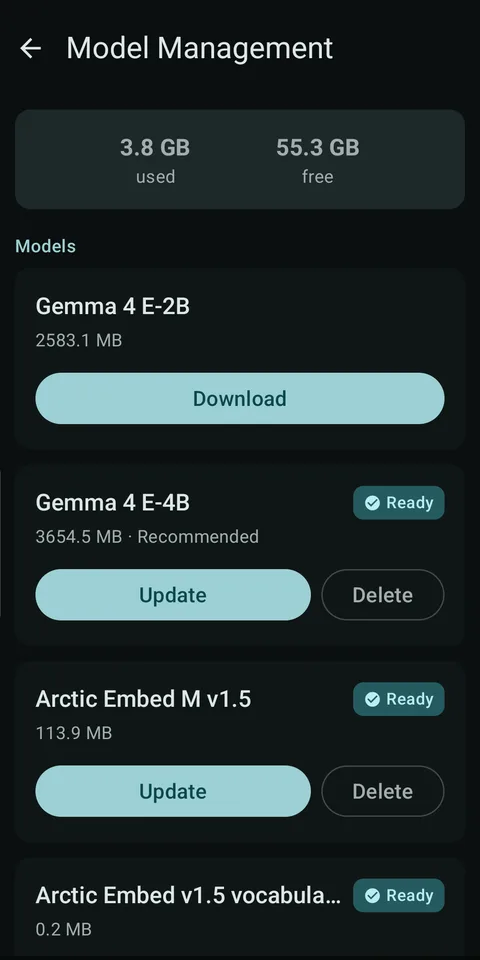
Gemma 4 runs on your device, so your assistant can think without sending your chat to a Jandal cloud.
The AI assistant that stays on your phone
Most AI assistants send what you say to the cloud. Jandal runs on your phone, so your chats and memories stay with you. It has a Kiwi personality and handles the everyday stuff: alarms, lists, messages and more.


A simple idea
Gemma 4 runs on your device, so your assistant can think without sending your chat to a Jandal cloud.

Jandal stores your memories on your phone, and you can review them in the app.
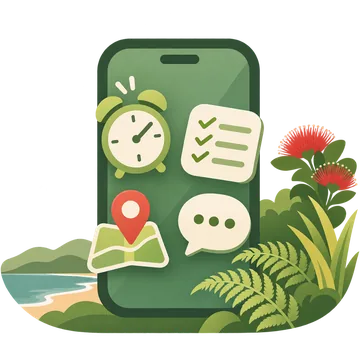
Set alarms and timers, manage lists, start navigation, and draft messages or email for you to review.
What it can do
Ask in plain words, or tap an example in the app to see how.
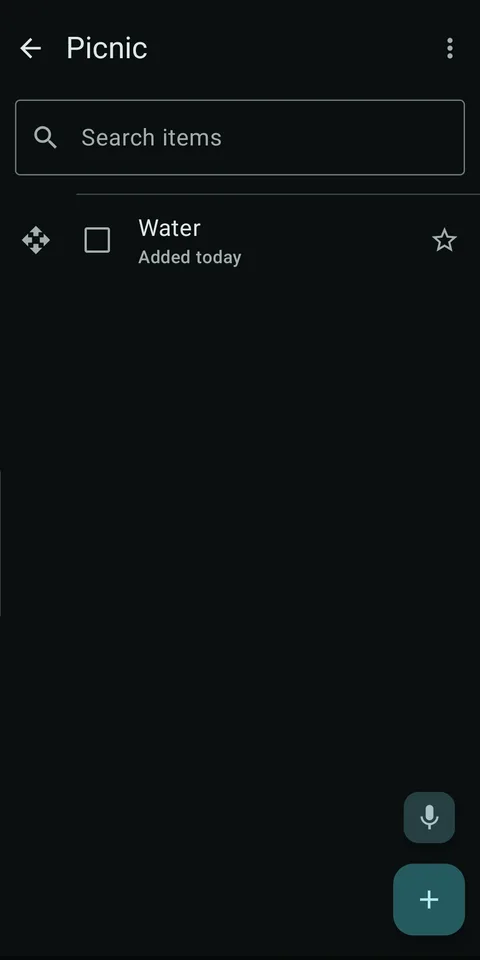
Shopping lists, to-dos and quick notes. Share selected lists through your own Nextcloud.
Plan the week’s dinners and turn the plan into a shopping list.
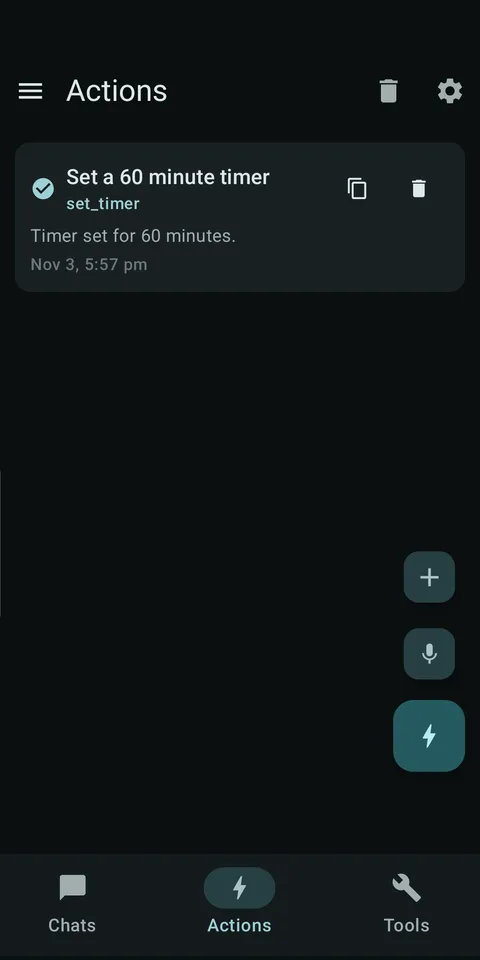
Set alarms and timers, and check them in the built-in clock.
Keep track of birthdays and other dates that matter.
Draft texts and emails to your contacts for you to review and send.
Start a calendar event from a sentence, then confirm it in your calendar app.
Start navigation or find a coffee nearby.
Check the forecast or look something up on Wikipedia.
Cups to millilitres, flour to grams, and currency.
Turn on the flashlight or control your music.
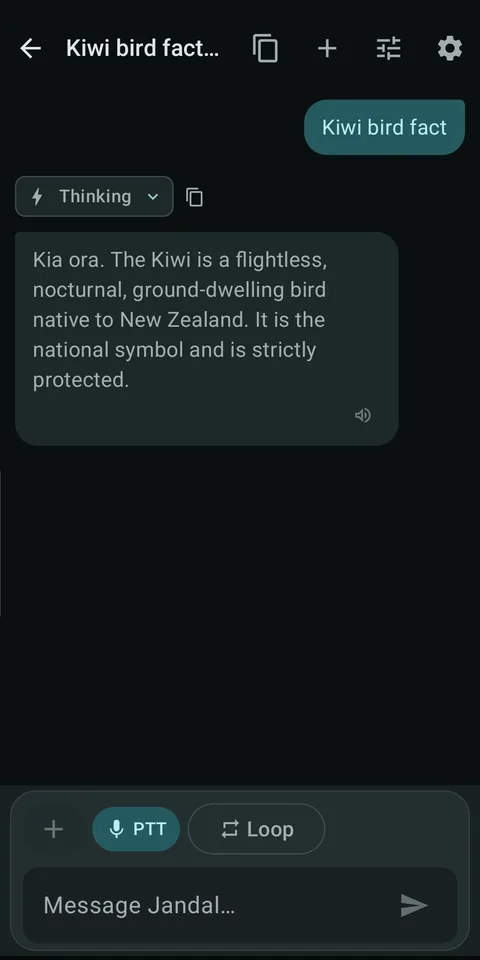
Talk to Jandal and hear replies spoken aloud. “Hey Jandal” is optional and off by default.
Pick Full Jandal for maximum slang, Half a Jandal (the default) for a lighter touch, or Boring AI Mode for plain replies.
A built-in library of over 140 NZ sayings and cultural references, from “she’ll be right” to “nah yeah”.
Search, review and add to what Jandal remembers. Tell it about yourself once and it keeps that in mind in every chat.
Use your phone’s colours or the Jandal theme, set the text size, and add a chat wallpaper.

Private by design
Your chats and saved memories stay in Jandal on your phone. The language model runs there too. Some features go online, such as model and voice downloads, weather (with approximate location), country lookups, currency rates, Wikipedia lookups, optional Nextcloud list sync, and optional online speech recognition (off by default).
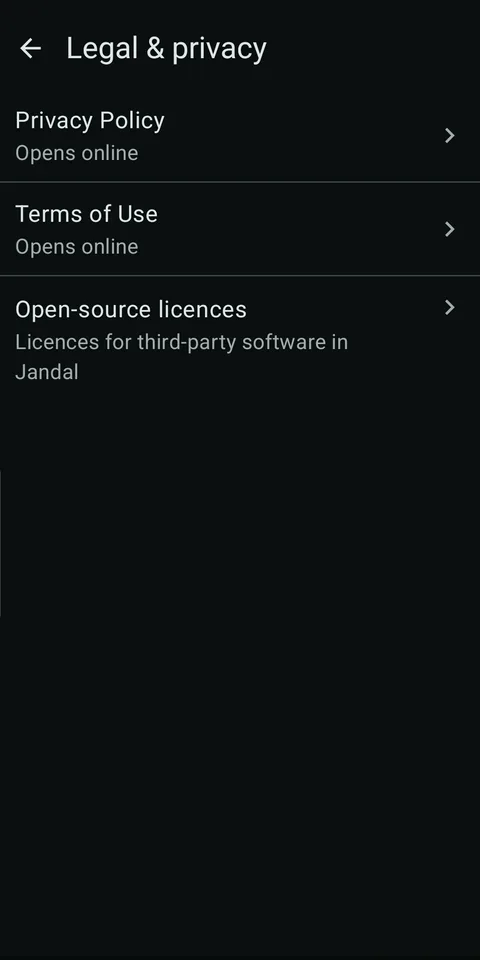
Read the Privacy PolicyScreenshots
Real app screens with synthetic demo data.
Getting started
Ask questions, report problems and chat with other testers.
Join our Discord (opens in a new tab)Discord is a separate service. Other members can see your username and posts, so send logs or anything personal through Email support in the app.